Barton WebsitesSample layout

Sample layout · Optional before & after section

Show the same job, before and after.

A draggable comparison that works with a mouse, a finger, or a keyboard. Outreach previews only include this when we have a real before-and-after of the same job.

What this is

A sample, not a live customer site.

Charles asked for a before-and-after slider like the ones on some competitor trade sites. This page is a working sample of that feature in the Affordable preview layout, so future daily outreach runs can add it when a genuine pair is available.

If the only photos we have are unrelated, the section stays off. Freely licensed example pairs, like the stump-grinding job below, are labelled as example images.

How to use it

Drag, tap, or use keys

Move the handle left to see more of the “before” photo, or right for more of the “after.” On a keyboard, tab to the slider and use the arrow keys.

Before & after

Drag to compare before and after

This is a sample of the optional before-and-after slider for Barton Websites previews. It only appears when we have a genuine pair from the same job — never two unrelated photos.
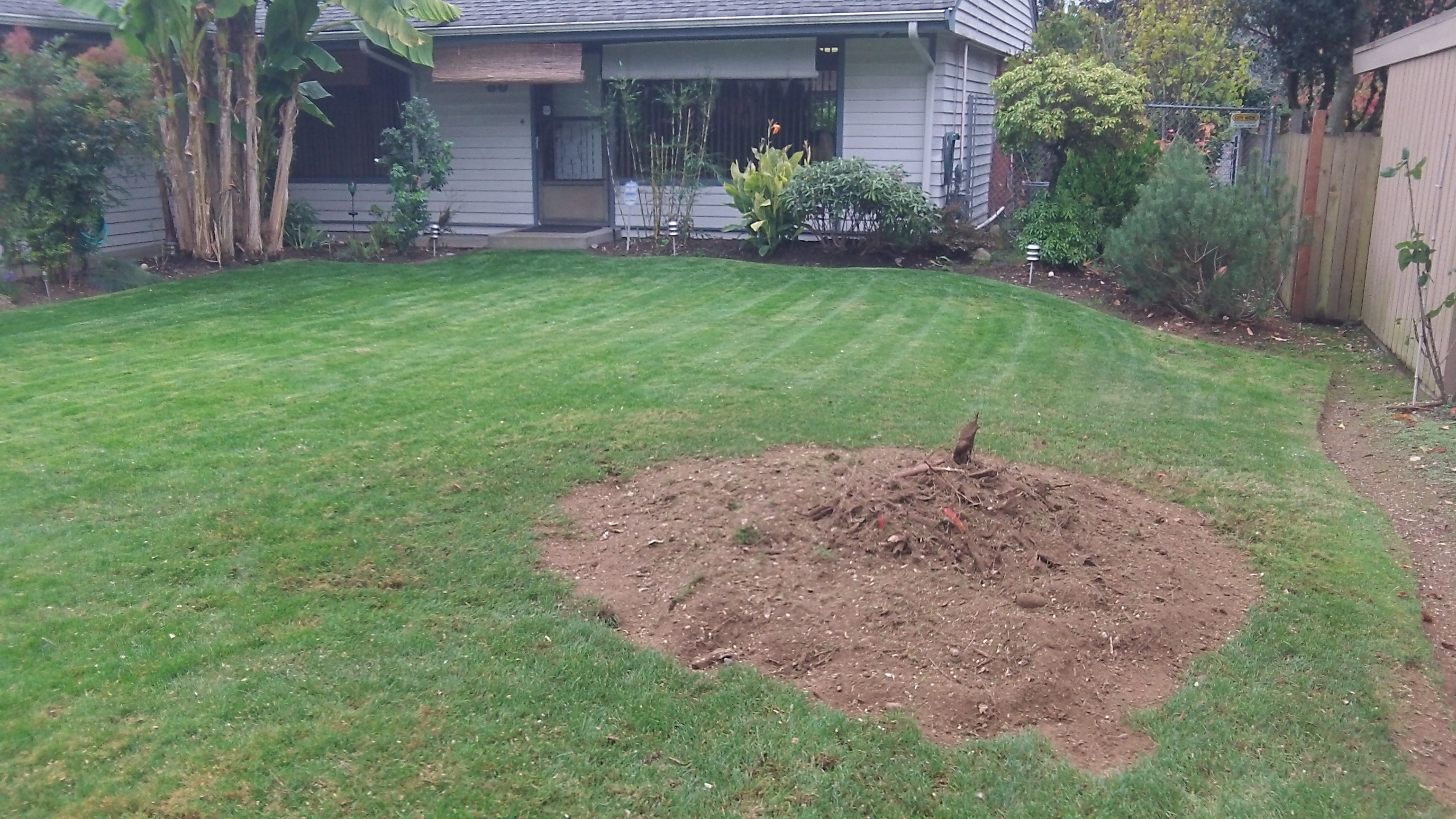
After: the same lawn after the stump was ground, leaving a mound of chips
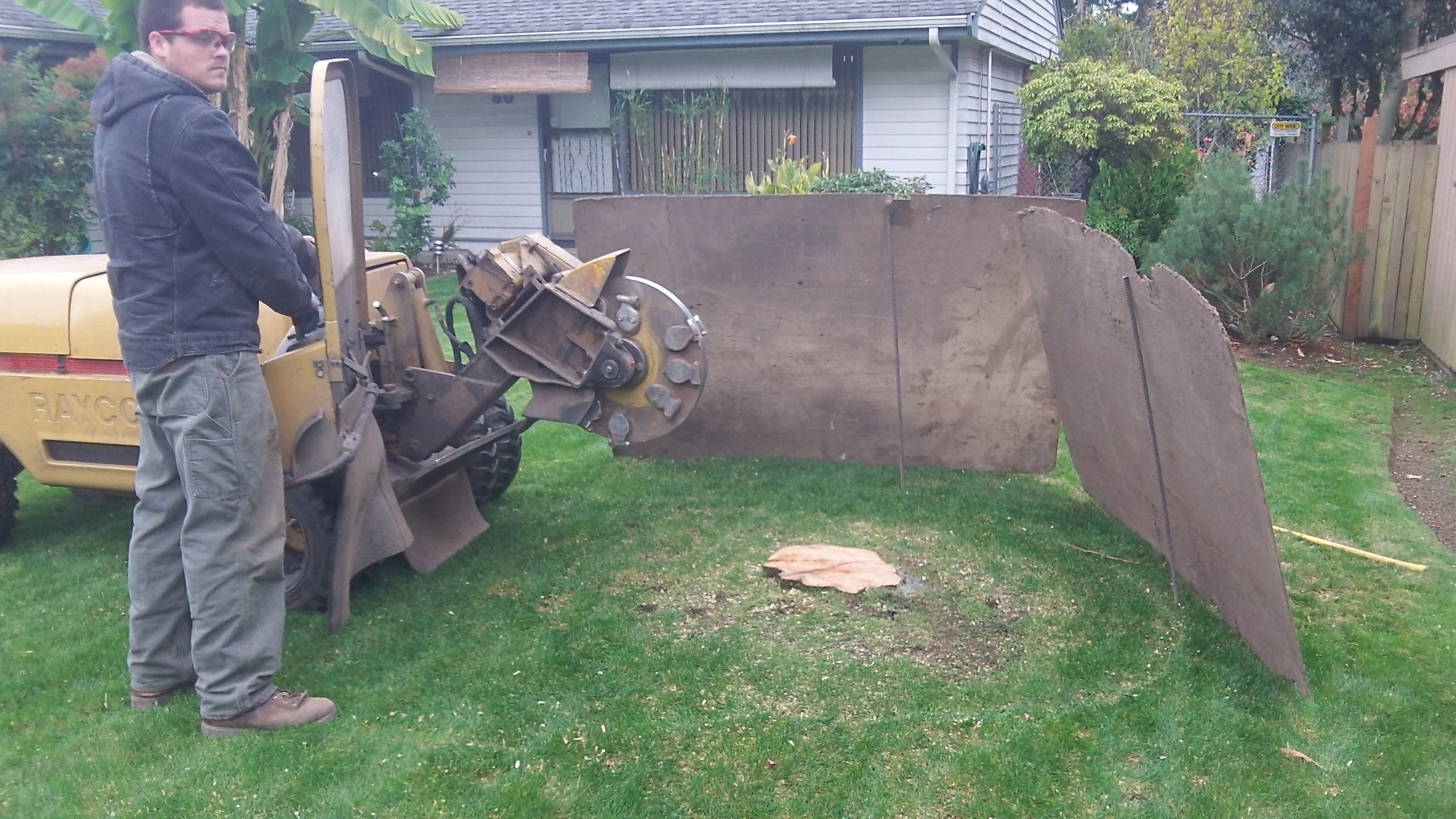
Before: a cut tree stump still in a residential lawn, with a stump grinder and plywood shields in place
Before After

Example images, not a Barton Websites customer job. These photographs show the same stump-grinding job in Everett, before the grind and after the stump was ground down.

Photos: Robert Loeder, 14 March 2012. CC BY 3.0, via Wikimedia Commons.

Barton Websites

Want this on a preview?

When a listing has a real before-and-after of the same job, this slider can go on that business’s preview. This page is only a sample of the layout.

Sample

Affordable layout · optional comparison section

Photos
Example images (same job)
Works at
390px phone width and desktop
Sample layout by Barton Websites.